
Click Search from the left navigation bar.
Select an Entity.
Enter the Search Keyword.
Click Search. Director Console lists all the entities that are similar to the Search Keyword of the selected entity.
Example: The search result lists all the devices that contain the localhost keyword.
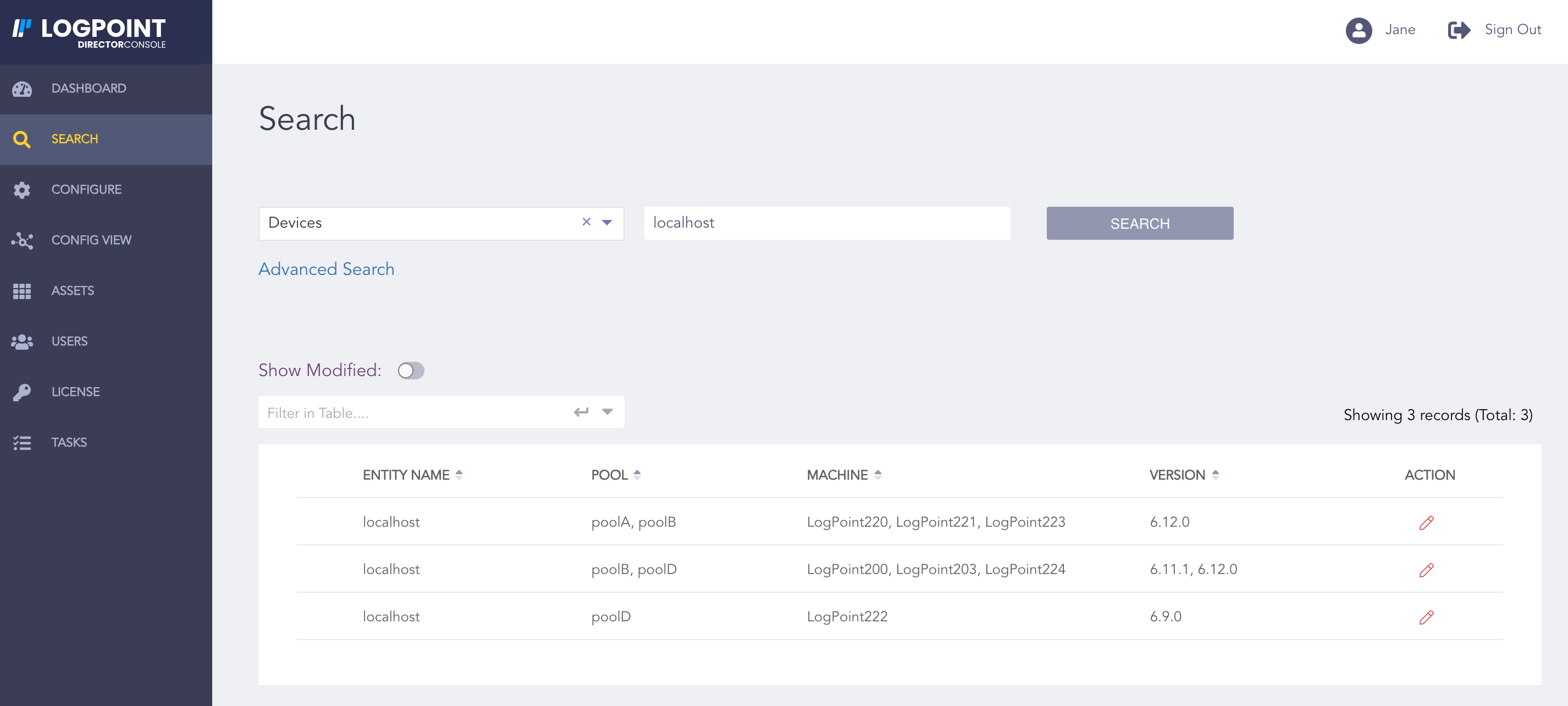
Search Result
Note
You cannot perform an empty search.